 TallyFrameFit
A private progress picture journal
See how far you've come, one frame at a time.
Take the same three pictures each day. TallyFrameFit lines them up, plays them back and turns them into a video, so the change you can't see in the mirror is plain to see.
Capture
Stand in yesterday's outline.
Your last picture is drawn see-through over the camera, so you take today's from the same spot, at the same distance, in the same pose.
- Front, side and back in one sitting, each with its own guide.
- Hands-free or mirror. Prop the phone up and use the countdown, or shoot in a mirror.
- A daily reminder at the time you pick, and your weight noted beside the day if you want it.
- Already have pictures? Import them from Photos and they join the timeline.
Auto-align
Every picture, lined up on you.
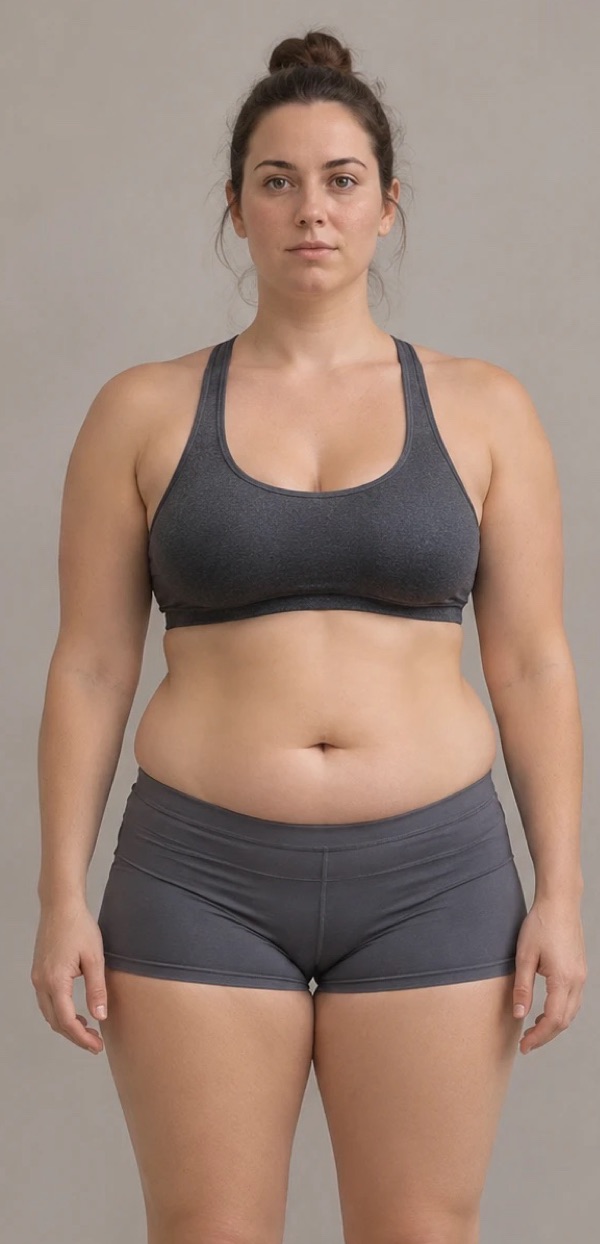
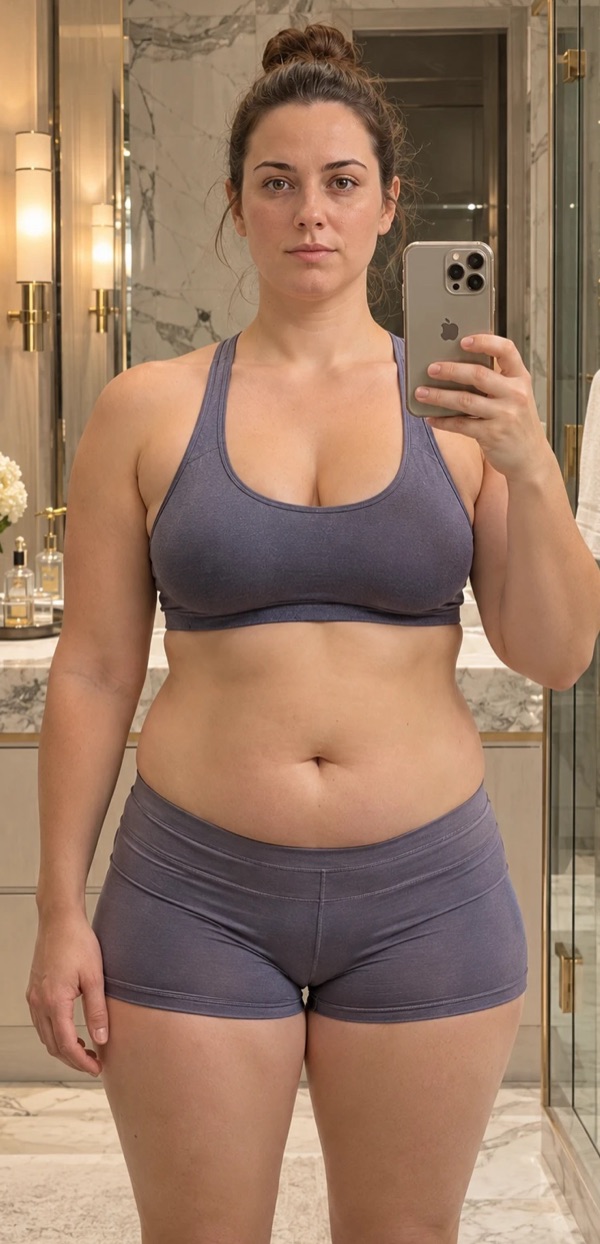
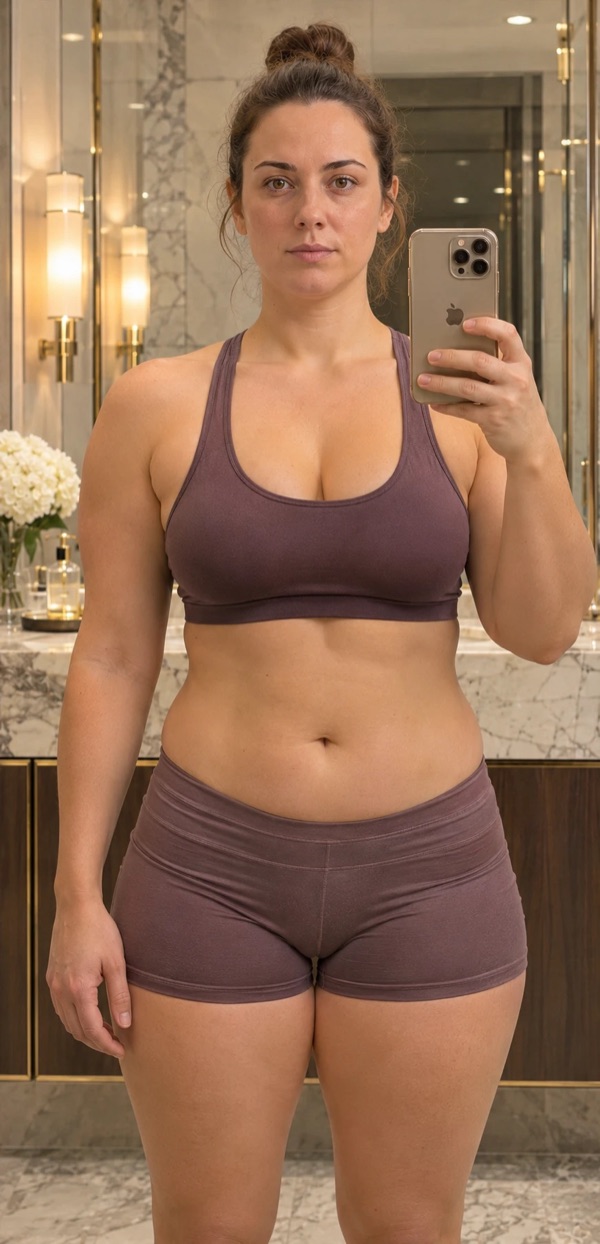
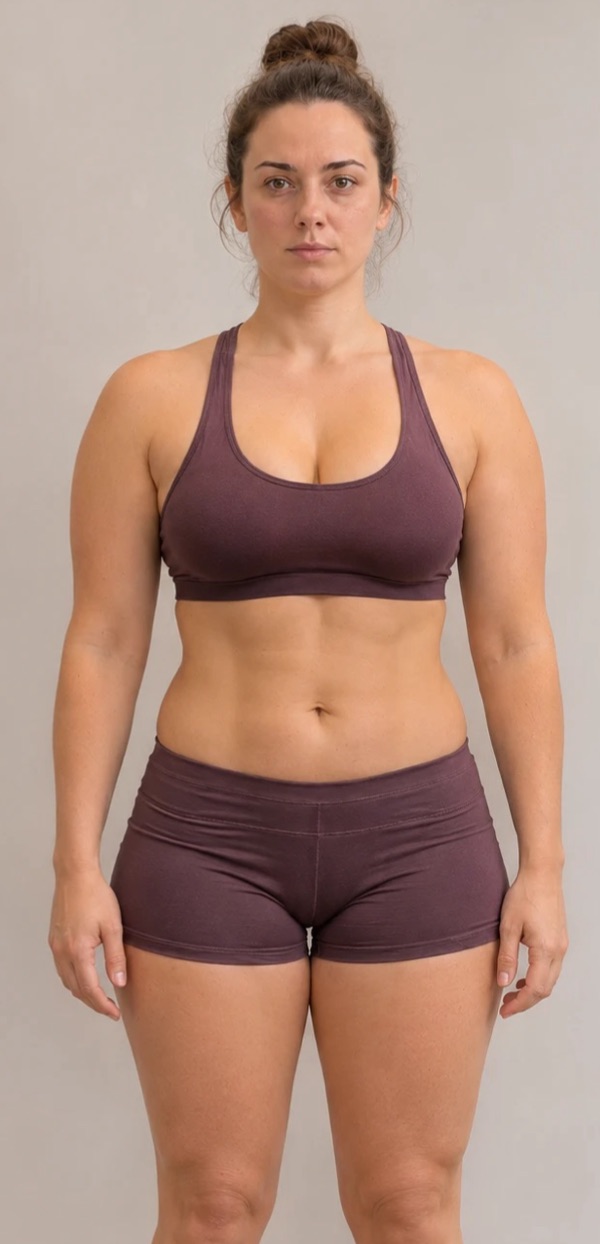
No two pictures are taken from quite the same spot. Auto-align finds your head in each one and matches its size and position, so the days line up as if the camera never moved.
- Closer one day, further the next? It evens them out, front, side and back.
- One switch. Turn it on in Journey and it carries into Compare and your videos.
- Done on your iPhone. Nothing from this step is uploaded.
As taken
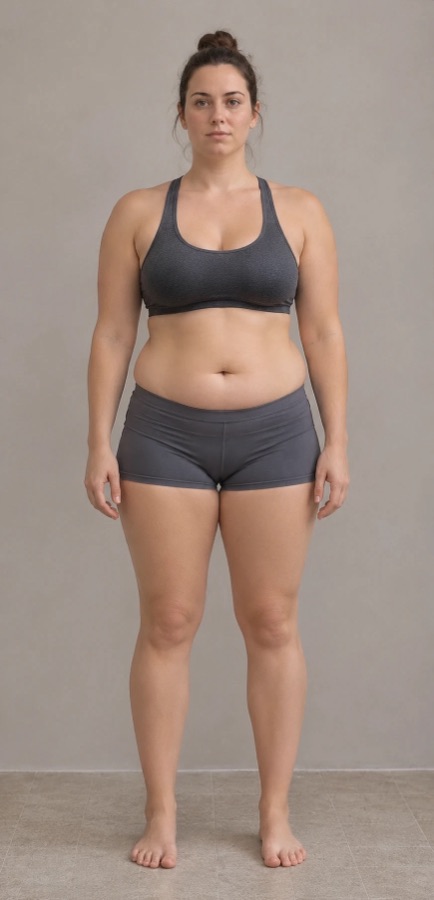
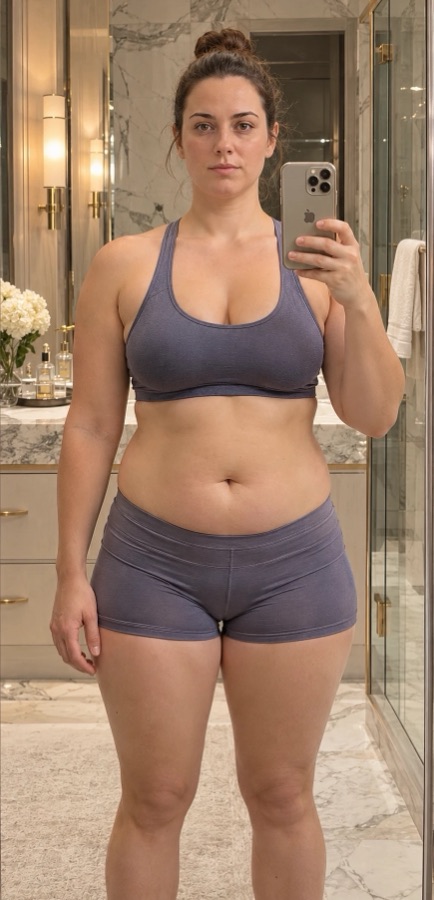
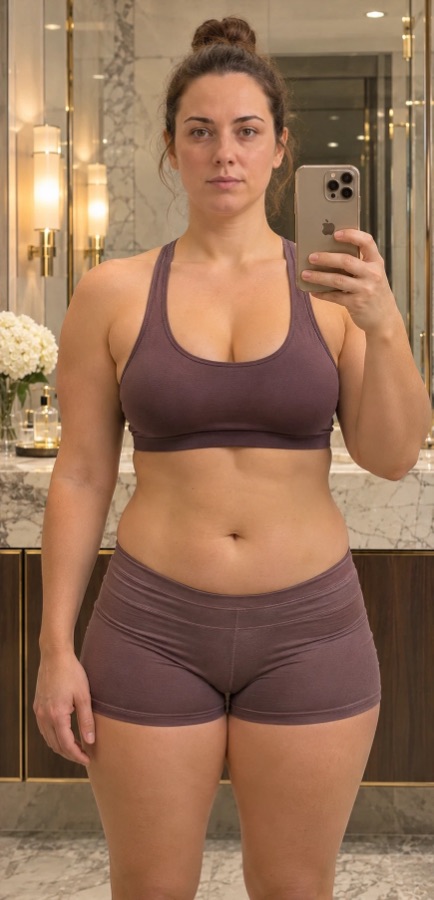
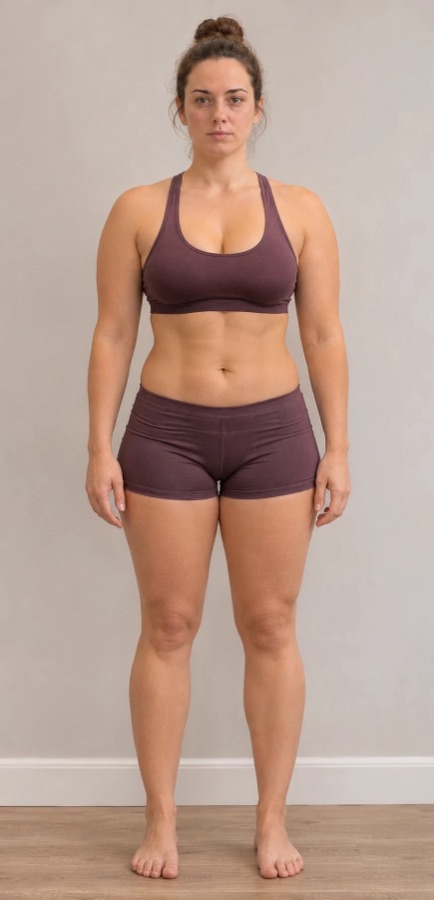
With Auto-align
Journey
Play your progress back like a flipbook.
Scrub through every day, or press play. With every picture lined up, the frame holds still and only you change.
Compare any two days
Put two days side by side and slide the divider across.
One view or all three
Watch front, side or back alone, or all together on the same date.
Pick your range
The last month, three months, everything, or from a day you choose.
Video studio
Turn the days into a video you'll want to keep.
Make a time-lapse or a before-and-after wipe in a tap, then make it yours. It's built on your phone and saved straight to Photos.
- Your full history
- Choose the photos
- Choose the dates
- Auto-align
- Face blur or cover
- New background
- Lighting
- Stickers
- Text and quotes
- Draw
- Reframe
- Speed
- Transitions
- Any ratio

Private by design
These are your pictures. They stay yours.
Nobody else sees them
No feed, no followers, no sharing. Your journal is tied to your account alone.
Locked behind Face ID
Turn on app lock and the journal is covered whenever you leave the app.
No ads, no tracking
We don't sell your information or follow you across other apps.
Delete it all, any time
Remove a picture, a day or your whole account from inside the app.
Day one is the picture you'll be glad you took.
TallyFrameFit is coming soon to iPhone.
Coming soon to the App Store